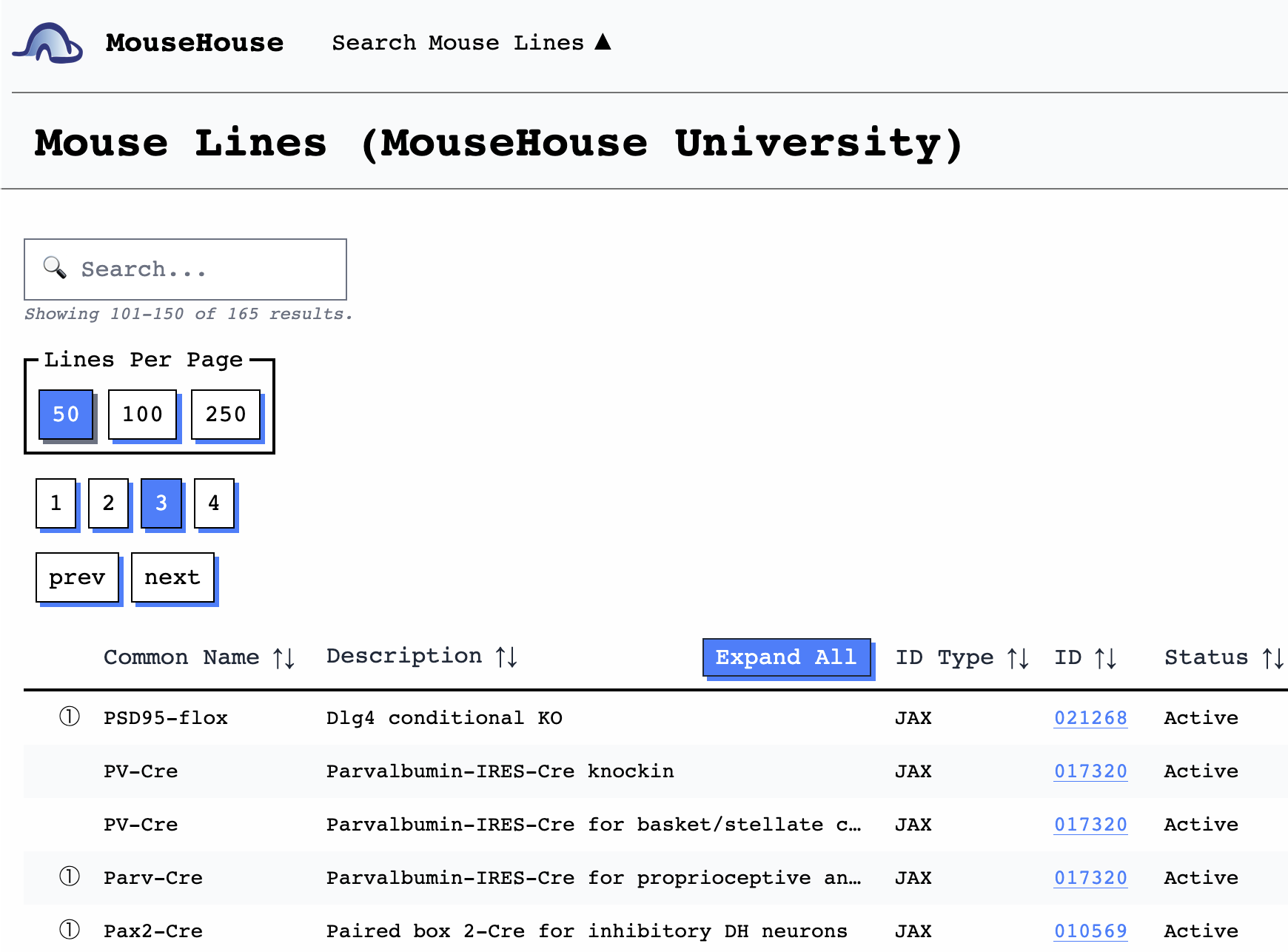
Harvard Brain Science Initiative: Signup Instructions
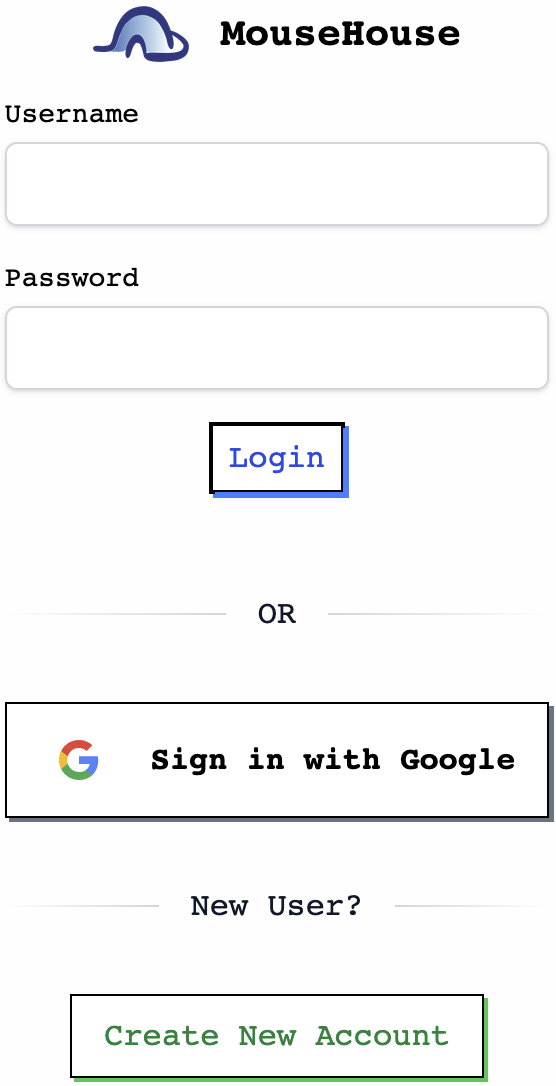
Step 1: Log in to MouseHouse with a Google account
- Click "Sign in with Google" and log in using a Harvard-affiliated Google account (e.g. @g.harvard.edu).
Step 2: Verify your email
- Using your Harvard-affiliated email address, send an email to [email protected]
- Subject: Harvard New User Sign Up
- In the body, include your PI's name, and the email address you used to sign in to MouseHouse

Step 3: Add Mouse Lines
- We will verify your email address and send a confirmation email.
- Then, add mouse lines to your lab in MouseHouse!
- You can also search for mouse lines across Harvard.