Getting Started

Step 1:

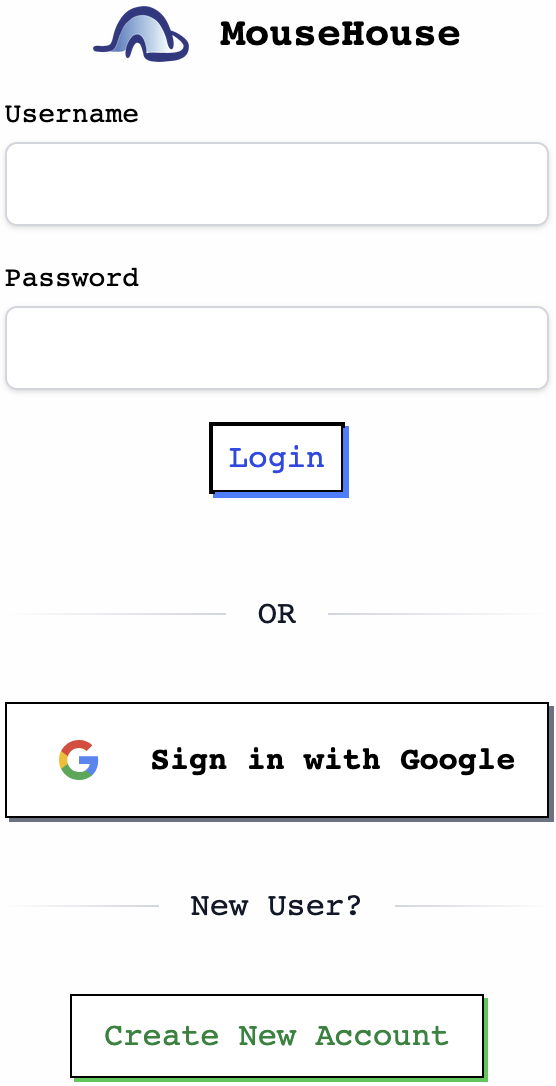
Log in to MouseHouse with a Google account

Log in to MouseHouse with a Google account

Log in to MouseHouse with a Google account

Click “Sign in with Google” and log in using a Google account. This helps keep MouseHouse secure because we do not store or manage your password.


If you prefer not to use a personal Google account, you can create a shared Google account for your lab to use.

Click “Sign in with Google” and log in using a Google account. This helps keep MouseHouse secure because we do not store or manage your password.


If you prefer not to use a personal Google account, you can create a shared Google account for your lab to use.

Step 2:

Send us an email

Send us an email

Send us an email

After logging in, email us at team@mousehouse.bio from your UVA email address. In the email, include your lab name and the Google account you used to sign in.

After logging in, email us at team@mousehouse.bio from your UVA email address. In the email, include your lab name and the Google account you used to sign in.

Once you have logged in, send us an email at team@mousehouse.bio from your Harvard email address. In the email please tell us the lab you are in and which Google account you used to sign in.

Step 3:

Update your mouse lines in MouseHouse!

Update your mouse lines in MouseHouse!

Update your mouse lines in MouseHouse!

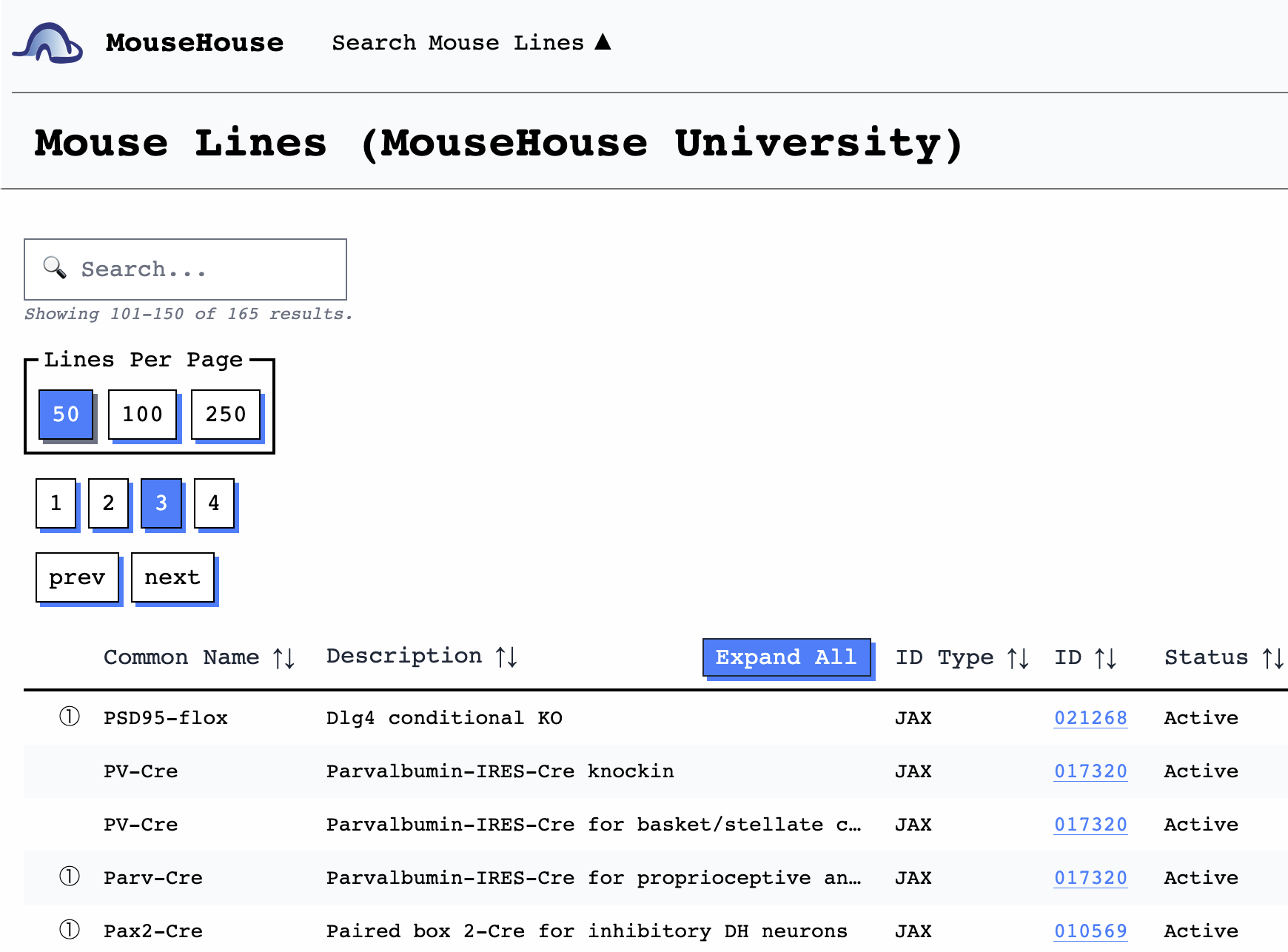
Once your details have been verified, we will send you a confirmation email. You will then be able to add lines in your lab and search for lines across labs in the UVA community.

Once your details have been verified, we will send you a confirmation email. You will then be able to add lines in your lab and search for lines across labs in the UVA community.

Please send any questions or inquiries to:
team@mousehouse.bio

Please send any questions or inquiries to:
team@mousehouse.bio